Stop. Then come back.
Press Stop Tape for a slowdown. Set how quickly it stops and returns, and use it for endings, transitions or a small surprise in the groove.

Slow a sound down, bring it back, or make tape movement part of the rhythm.
Tape Stop starts with one button. From there, you can draw repeating movements, let another track control the speed, or keep the motor moving in the background.
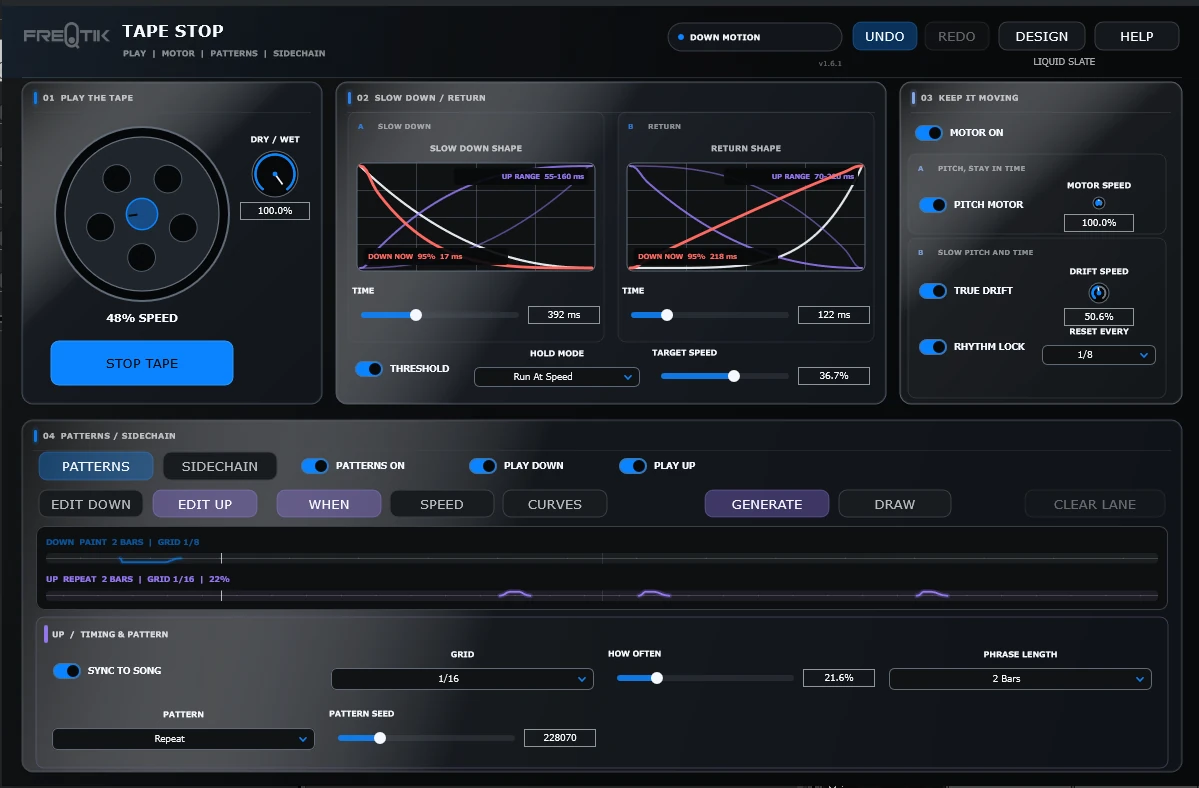
Press Stop Tape for a slowdown. Set how quickly it stops and returns, and use it for endings, transitions or a small surprise in the groove.
In Patterns, place movements yourself or generate a phrase. Let it repeat with the song, with separate moves down and back up.
Use Sidechain to follow incoming sound or react to a hit. A kick, a voice or a rhythmic track can set the tape in motion.
Sidechain can pull the tape down with each hit or make it respond as the sound gets louder and quieter.
Turn on Run Motor when you want a constant pitch change or a slow drift. You can use Manual Stop, Patterns, Sidechain and Motor together.
The controls are there when you need them. For a quick tape stop, you only need the main button.
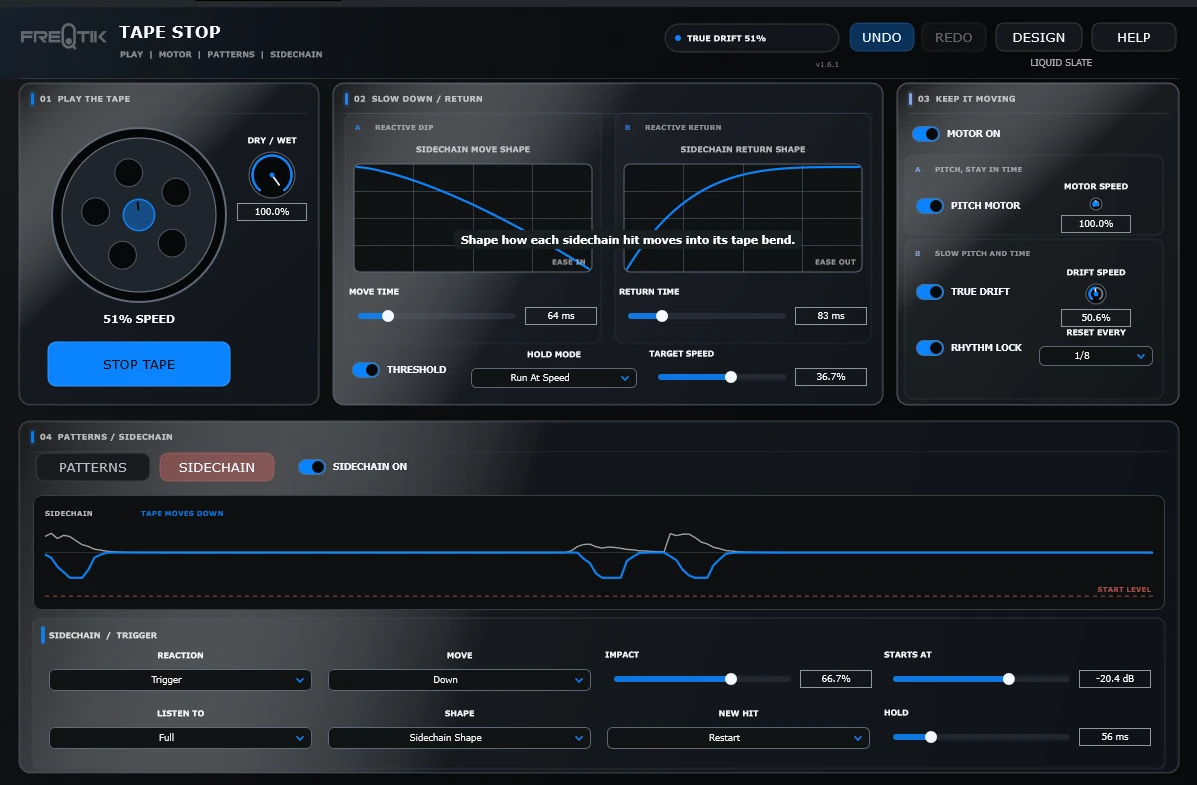
Drop it on a drum loop, a synth, a vocal or a whole bus. Start with Stop Tape. Open Patterns or Sidechain when you want something that moves on its own.